Campaign production for grocery and fmcg

    Grocery and FMCG campaign production

    Version grocery and FMCG campaigns across packs, promotions, retailer offers and formats, with product details checked before delivery.

    Pack variationsProduct differencesRetailer versionsFormat ready to review

    The right pack. The right offer. Every time.

    Version grocery and FMCG campaigns across packs, promotions, retailer offers and formats, with product details checked before delivery.

    Give each product difference a place in the brief
    Production focus 01

    Keep the right pack with the right promotion

    Grocery and fast-moving consumer goods campaigns bring together frequent promotions, similar-looking variants and retailer-specific offers. Pack size, flavour, imagery and price need to stay aligned as the creative changes. Neosframe helps production teams turn master creative into versions for those product and promotional combinations.

    Production focus 02

    Organise production around product and retailer differences

    Brief the approved pack imagery, product name and size, promotion dates and retailer-specific wording for each execution. Adapt master creative to the required campaign formats and review the variants together. Check that retailer offers have not been carried into the wrong version and that imagery matches the product being advertised.

    Production focus 03

    Keep claims and price checks with the responsible reviewers

    Packaging updates, unit-price information and product claims can need specialist review. Supply the wording your team has approved and check its presentation in the final assets. Neosframe supports production and feedback; it does not validate nutrition, sustainability or health claims, confirm shelf availability, or guarantee that price disclosures meet local requirements.
    Inside the platform

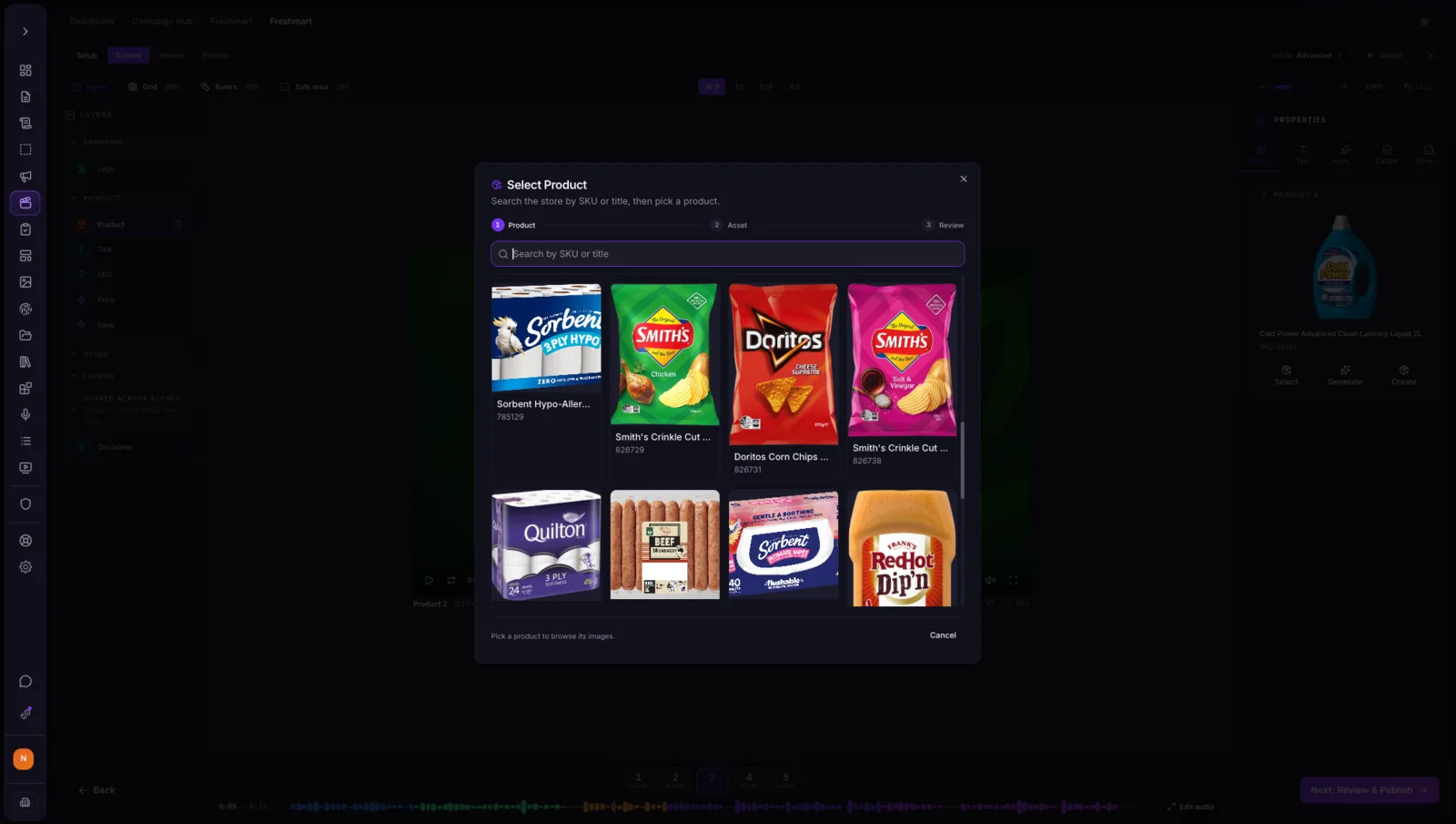
    Keep product variations in one view.

    An example of the Neosframe platform’s generic production workspace—not a customer campaign or product claim.

    Neosframe product selection screen arranging campaign product variants
    Neosframe campaign workspaceProduct interface · campaign production and review

    A closer look

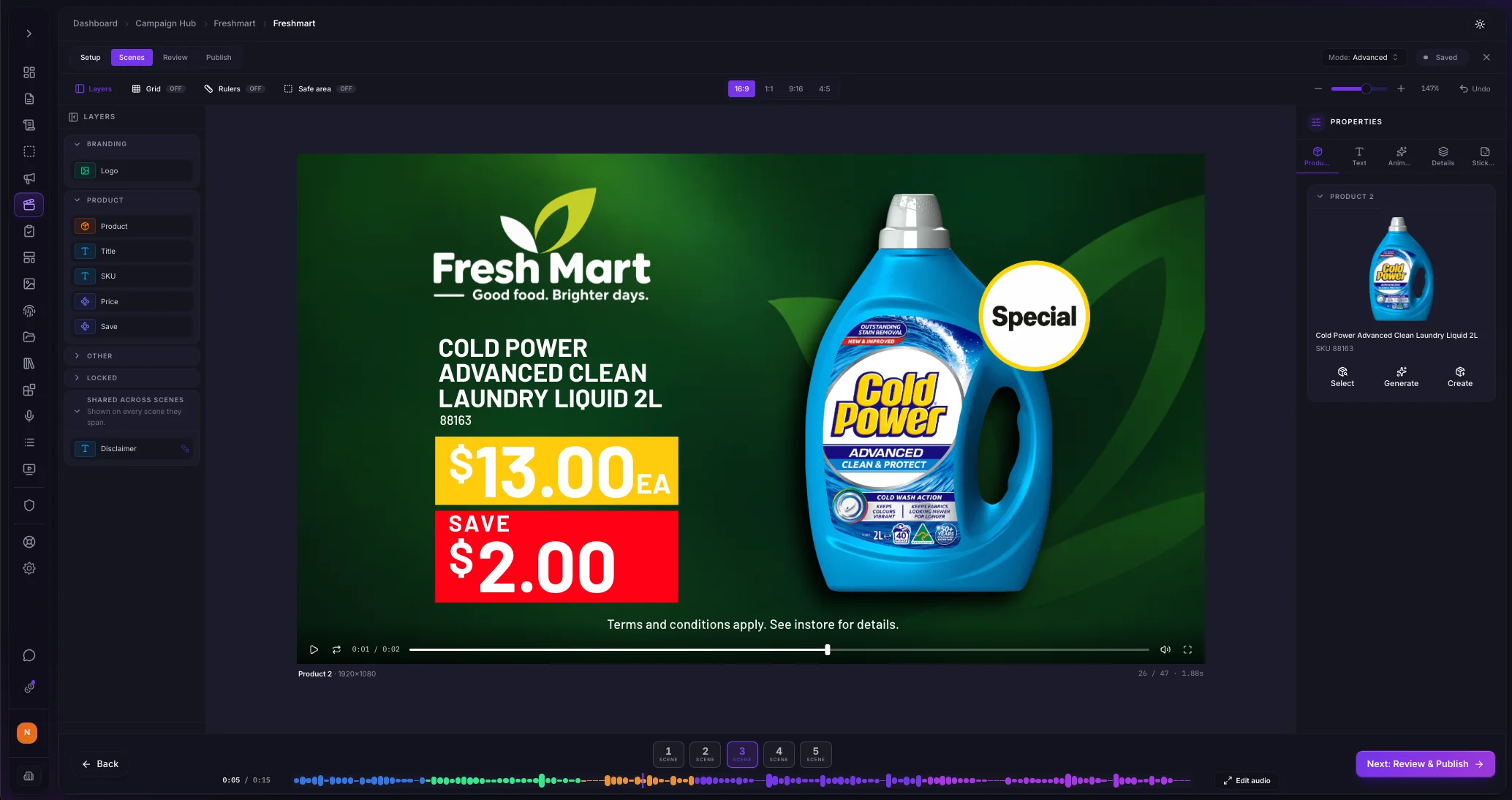
    See each version in context, with your team in the loop.

    Organize the campaign detail that changes, prepare the executions your brief calls for, then give reviewers a clear place to check the work.

    Neosframe campaign workspace showing a creative master and a set of retail versions

    A platform walkthrough

    Watch the production experience take shape.

    See the Neosframe production workflow in motion. This shared platform demonstration is not an industry-specific customer campaign.

    Neosframe platform demonstrationMaster creative, campaign versions and human review

    From master to market

    A production flow made for human review.

    Neosframe helps campaign teams carry approved creative into the versions they need without losing sight of the decisions that still belong with people.

    01

    Start with the master

    Bring the creative, campaign brief and source details that define the work.

    02

    Map what changes

    Set out the pack, product, retailer, format differences that each execution needs.

    03

    Prepare campaign versions

    Adapt the master creative to the versions and formats in scope for your campaign.

    04

    Review together

    Have the responsible people check each version before it is handed over.

    Good to know

    Questions, answered.

    Practical details for planning a campaign production workflow.

    Can one master campaign cover several pack sizes or flavours?

    Yes, where the master design suits the range. Supply the correct imagery and wording for each product variant and check that the offer applies to the pictured pack.

    Can we prepare different offers for different retailers?

    Campaign versioning can reflect retailer-specific offer details supplied in the brief. Your team must confirm the promotion, retailer wording and required approval for each execution.

    Does Neosframe check unit pricing or product claims?

    No automatic validation should be assumed. Your responsible reviewers need to verify unit pricing, product claims and required disclosures before approving the assets.

    Your campaign, made easier to produce

    Bring the master. Talk through the versions.

    Share how your campaign team works today and explore whether Neosframe fits the production workflow you need.