Campaign production for automotive

    Automotive campaign production

    Adapt automotive campaign creative across models, grades, dealer locations and formats, with offer details reviewed before delivery.

    Model variationsGrade differencesDealer versionsOffer ready to review

    Every model detail has to make the frame.

    Adapt automotive campaign creative across models, grades, dealer locations and formats, with offer details reviewed before delivery.

    Keep vehicle, dealer and offer versions distinct
    Production focus 01

    Distinguish the vehicle shown from the offer advertised

    Automotive campaigns can vary by model, grade, model year, dealer and region. An image of a higher-spec vehicle paired with an entry-grade offer can create a mismatch. Neosframe helps teams version master creative while keeping those vehicle and dealer differences explicit in the production brief.

    Production focus 02

    Prepare model and dealer versions from a shared design

    Start with approved vehicle imagery, model and grade names, dealer information and offer wording. Map the required combinations before adapting the master creative across campaign formats. Review each execution for the pictured vehicle, included equipment, local dealer details and the offer period.

    Production focus 03

    Give finance and availability details a separate check

    Where a campaign includes finance, drive-away pricing or limited stock, supply the exact wording approved by the responsible reviewers. Check that qualifications remain readable in every output and re-review affected versions when terms change. Production automation does not verify finance calculations, vehicle availability or the legal sufficiency of a disclosure.
    Inside the platform

    Bring the detail checks into view.

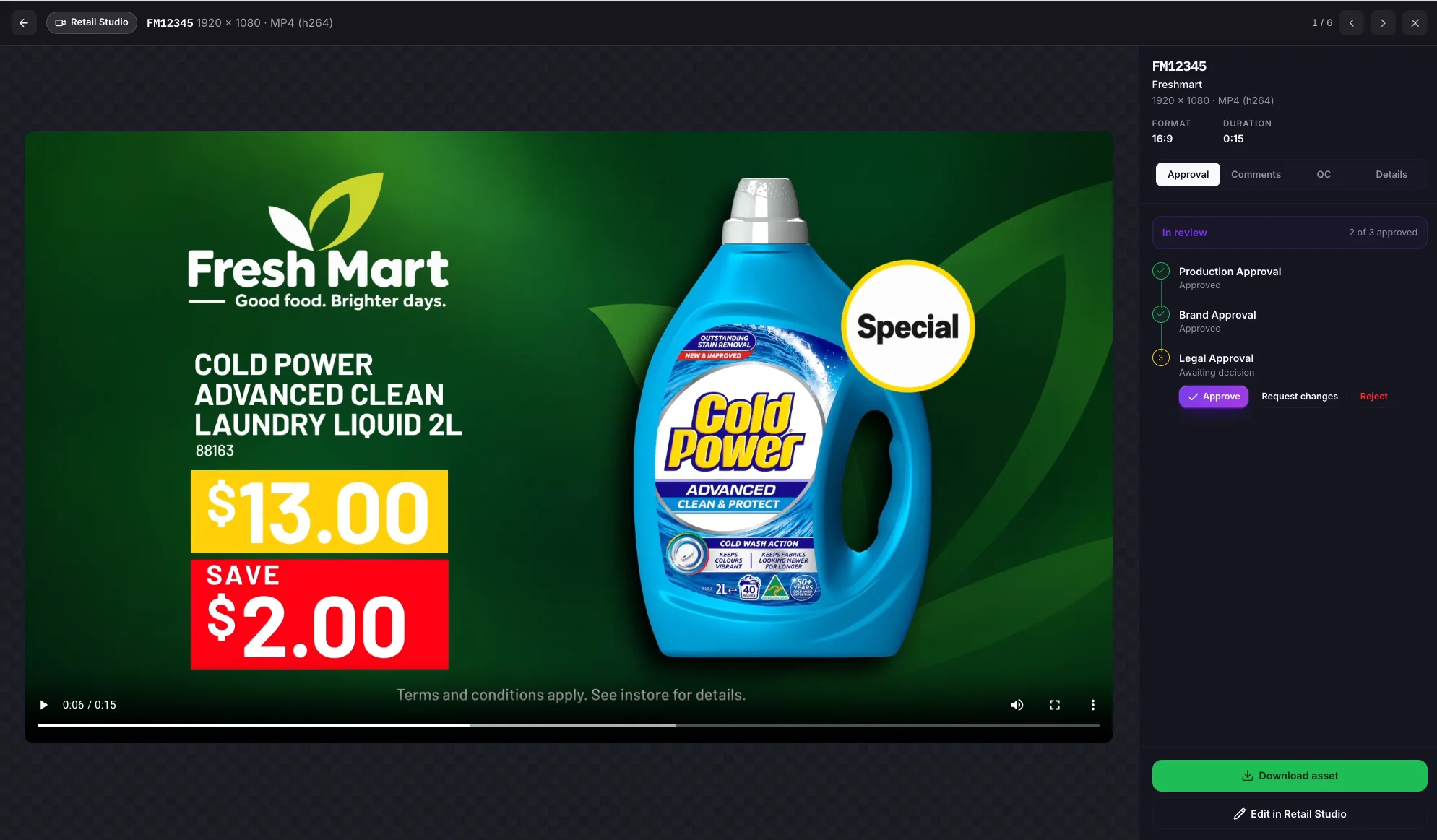
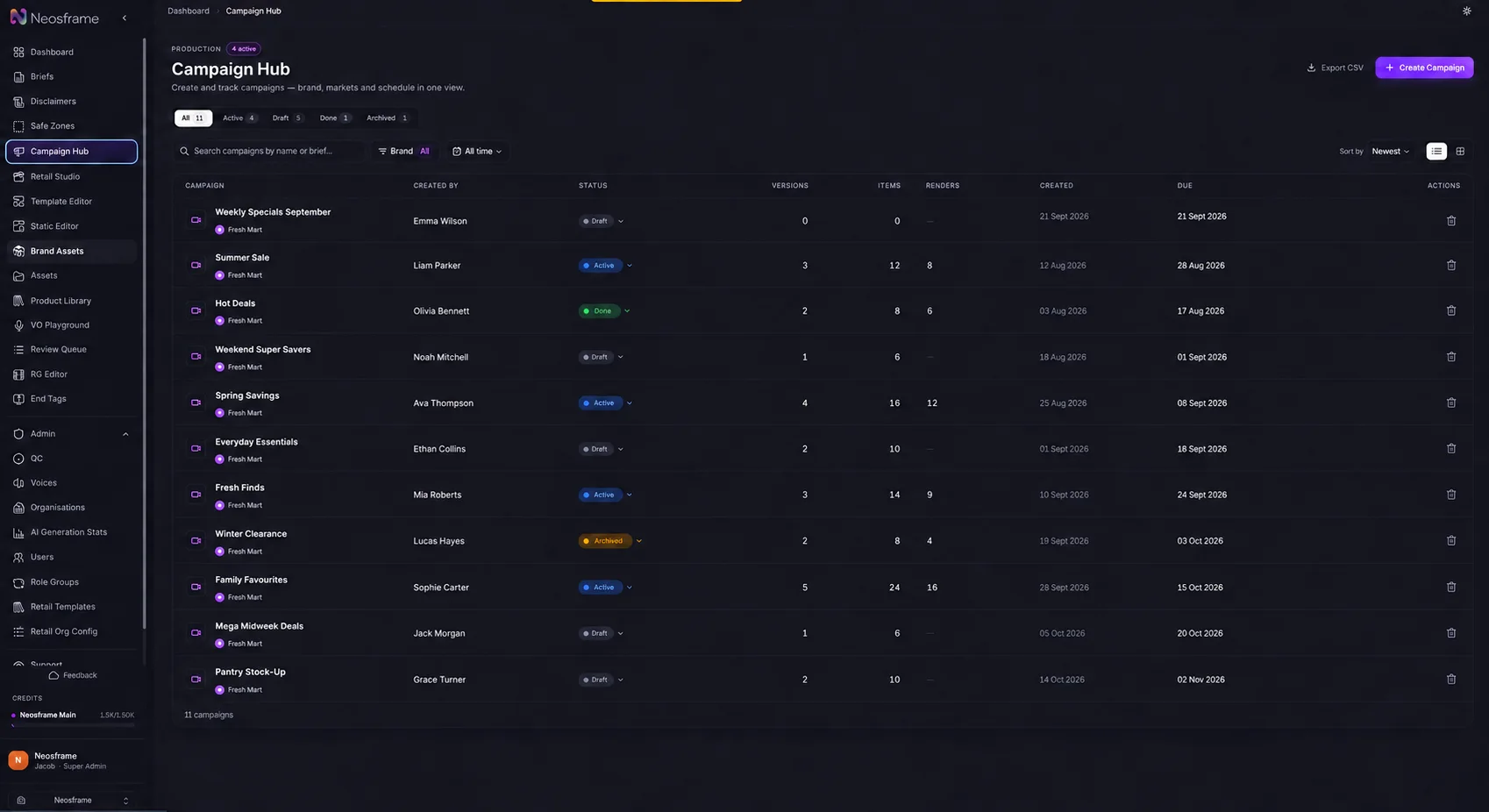
    A generic Neosframe workflow view, designed to keep campaign versions and human review together during production.

    Neosframe review workspace showing an asset with comments from reviewers
    Neosframe campaign workspaceProduct interface · campaign production and review

    A closer look

    See each version in context, with your team in the loop.

    Organize the campaign detail that changes, prepare the executions your brief calls for, then give reviewers a clear place to check the work.

    Neosframe campaign screen showing campaign production organization

    A platform walkthrough

    Watch the production experience take shape.

    See the Neosframe production workflow in motion. This shared platform demonstration is not an industry-specific customer campaign.

    Neosframe platform demonstrationMaster creative, campaign versions and human review

    From master to market

    A production flow made for human review.

    Neosframe helps campaign teams carry approved creative into the versions they need without losing sight of the decisions that still belong with people.

    01

    Start with the master

    Bring the creative, campaign brief and source details that define the work.

    02

    Map what changes

    Set out the model, grade, dealer, offer differences that each execution needs.

    03

    Prepare campaign versions

    Adapt the master creative to the versions and formats in scope for your campaign.

    04

    Review together

    Have the responsible people check each version before it is handed over.

    Good to know

    Questions, answered.

    Practical details for planning a campaign production workflow.

    Can a campaign be versioned for different dealers?

    Yes. Brief the correct dealer name, location, contact details and local offer for each version, then review the outputs before delivery.

    Will vehicle inventory or finance offers update automatically?

    We can handle custom integrations and workflows. Please talk to us about your requirements, and we'll work with you to find the best way forward.

    Who approves finance terms and vehicle claims?

    Your authorised reviewers remain responsible for finance terms, pricing, vehicle claims and required disclosures. The production and review workflow does not provide financial or legal approval.

    Your campaign, made easier to produce

    Bring the master. Talk through the versions.

    Share how your campaign team works today and explore whether Neosframe fits the production workflow you need.